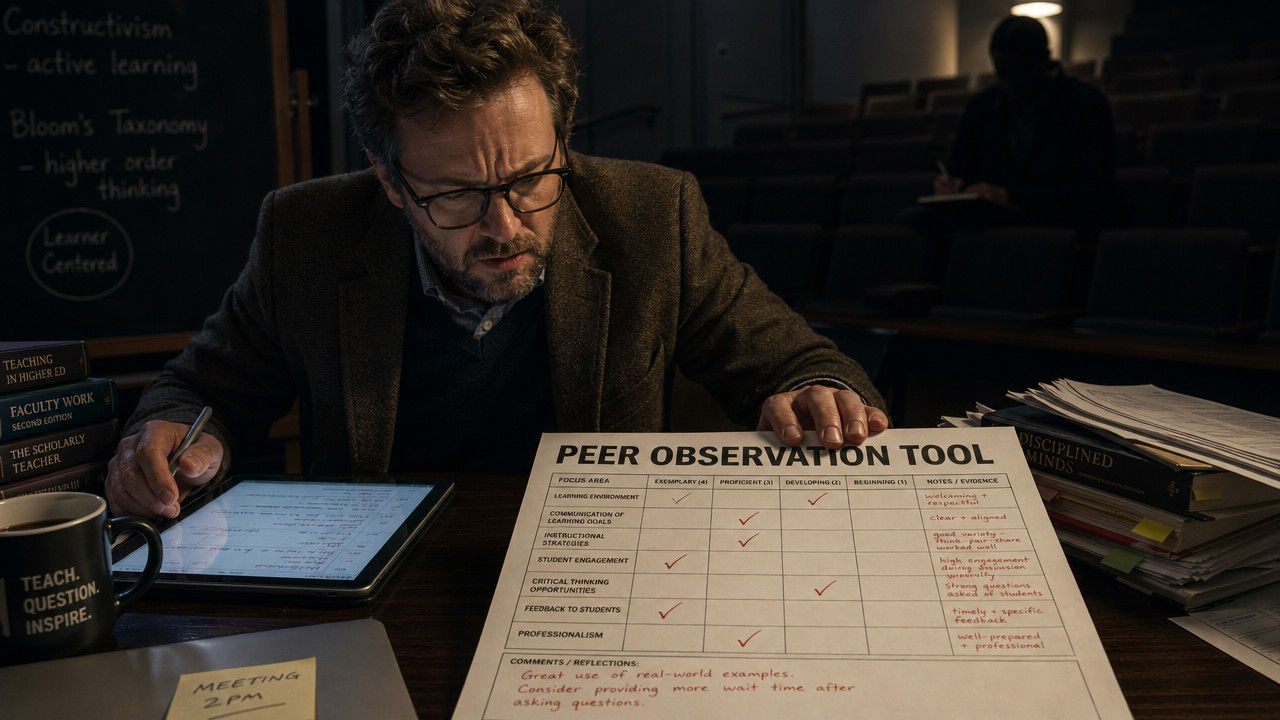

What This Prompt Does
This prompt transforms a simple request into a fully developed peer observation framework tailored for higher education settings
It generates
A structured observation template
Clear evaluation criteria
A professional rating scale
Ready to use feedback comments
Reflective questions for instructor growthAll formatted in a way that is easy to apply share and standardize across departments
Why This Matters
Inconsistent teaching evaluations lead to confusion bias and missed opportunities for faculty growth
Without a clear framework
Feedback becomes subjective
Expectations vary across reviewers
Faculty development efforts lose impactThis prompt helps you create a standardized approach that supports fairness clarity and continuous improvement
It allows institutions to move from informal observation to intentional evidence based evaluation
Who This Prompt Is For
This prompt is ideal for:
-
Faculty development coordinators
-
Academic leaders and department chairs
-
Teaching and learning center staff
-
Quality assurance and accreditation teams
-
Experienced faculty involved in peer review
If you are responsible for improving teaching quality or creating evaluation systems this prompt is built for you
-
Who This Prompt Is Not For
This prompt may not be useful for:
-
Individuals looking for informal or casual feedback tools
-
K twelve educators needing school level observation frameworks
-
Users who want unstructured or free form outputs
-
Anyone not working within academic or institutional teaching contexts
-
How to Use This Prompt
Step one
Copy and paste the prompt into your preferred AI toolStep two
Customize if needed by adding your institution context or disciplineStep three
Generate your peer observation toolStep four
Apply it in faculty reviews peer observations or professional development programsStep five
Refine or reuse to create department specific or discipline specific versions
top of page


KRMcPherson Quality
Management (KQM)

bottom of page